Install guide
Back in Stock Alerts uses BigCommerce single-click installation and does not require you to add code manually.
Install the app
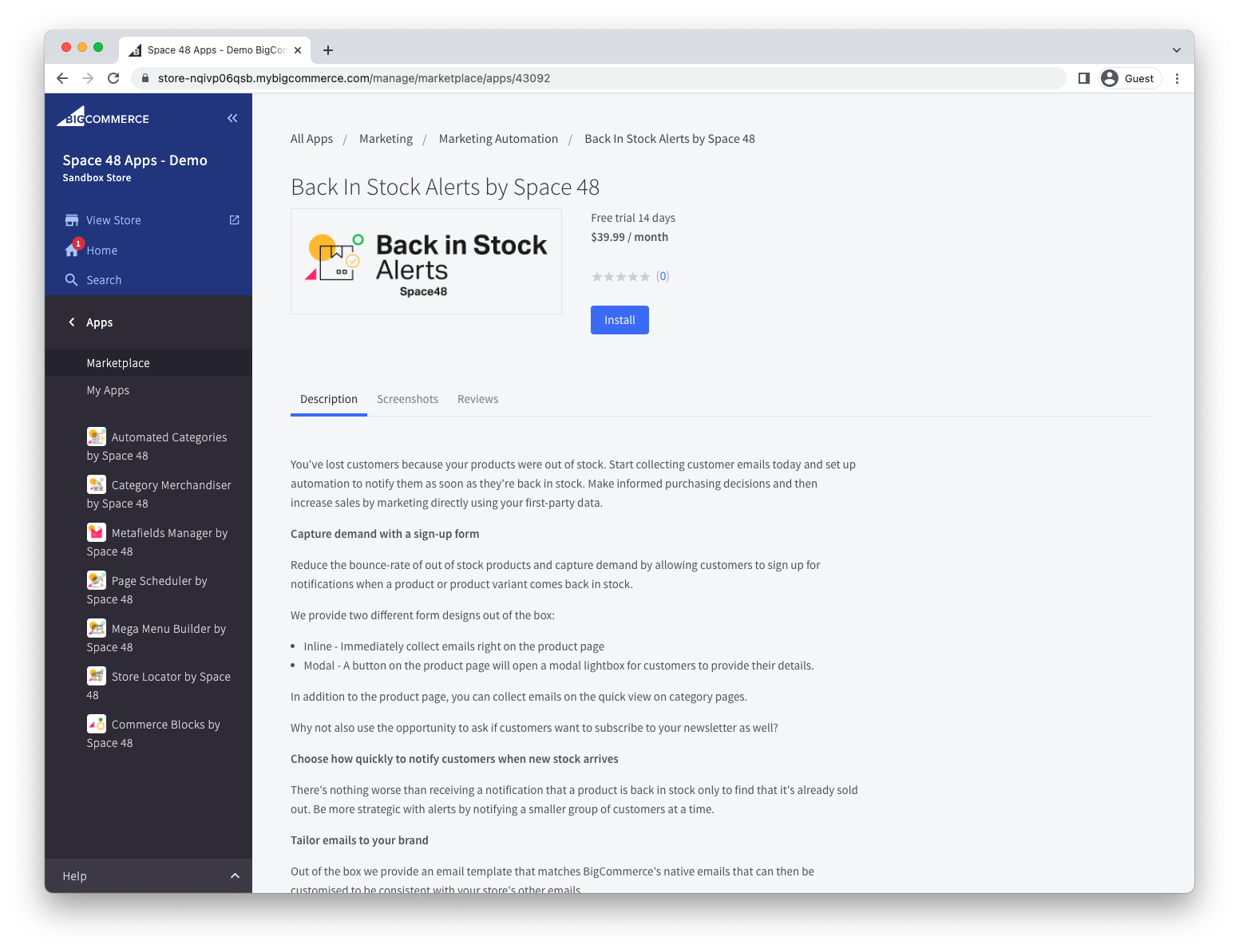
- Open Back In Stock Alerts by Hypa in the BigCommerce marketplace.
- Select Get App and choose the store where you want to install it.
- Select Install.
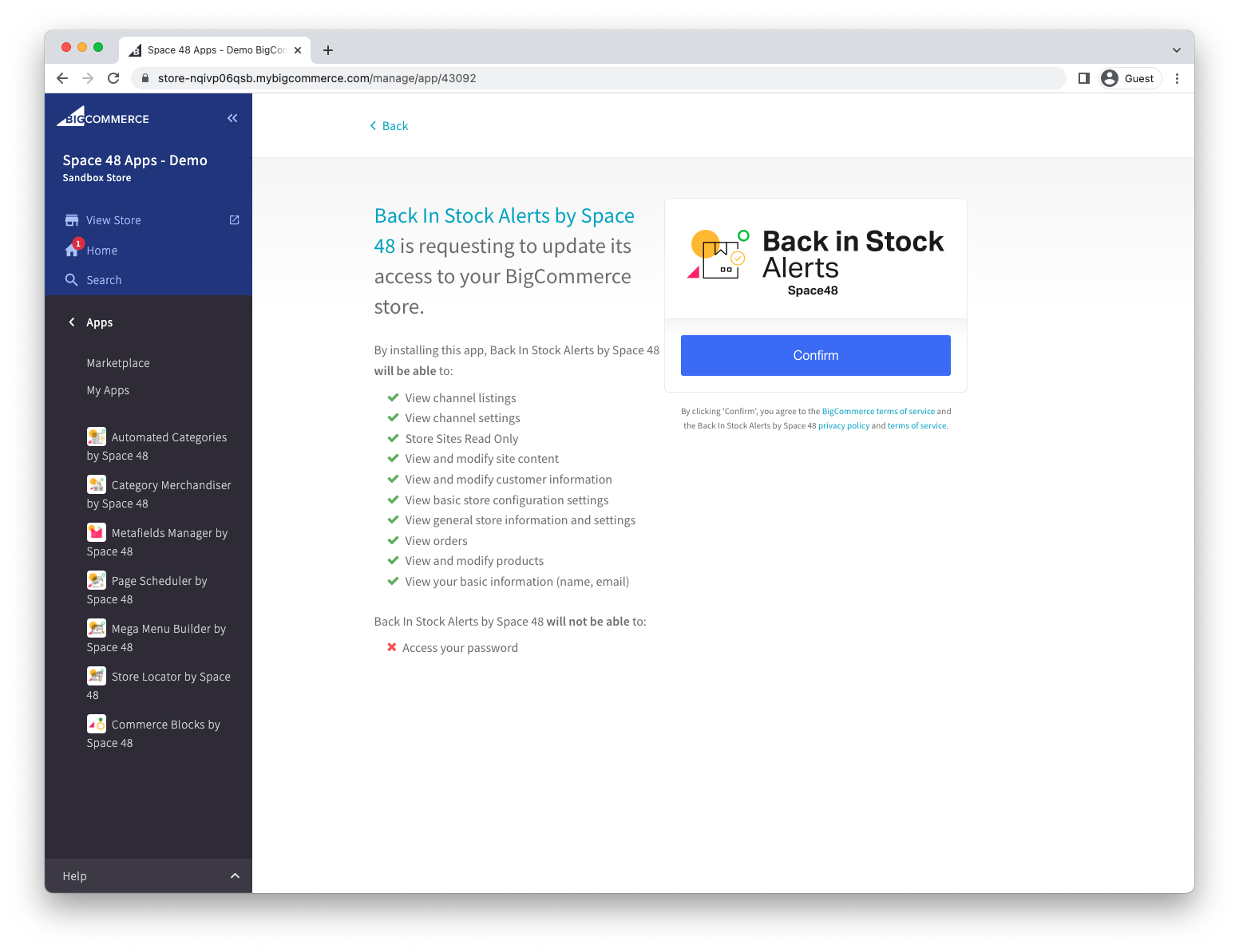
Review permissions
Review the permissions requested by the app, then select Confirm. The app requests access to the store and product data needed to collect and process stock alerts.
After confirmation, Back in Stock Alerts opens in BigCommerce admin and is ready to configure.
Next steps
Follow the quick start to:
- Enable and design the sign-up form.
- Choose when notification emails are sent.
- Customise the notification email.
If the app does not open after installation, see the FAQs.