Overview
Back in Stock Alerts helps you recover sales that would otherwise be lost when a product is unavailable. Customers register their interest, and the app emails them when the product or selected variant returns to stock.
Capture demand
Add a sign-up form to out-of-stock product pages. You can show the form inline or behind a Notify me when available button.
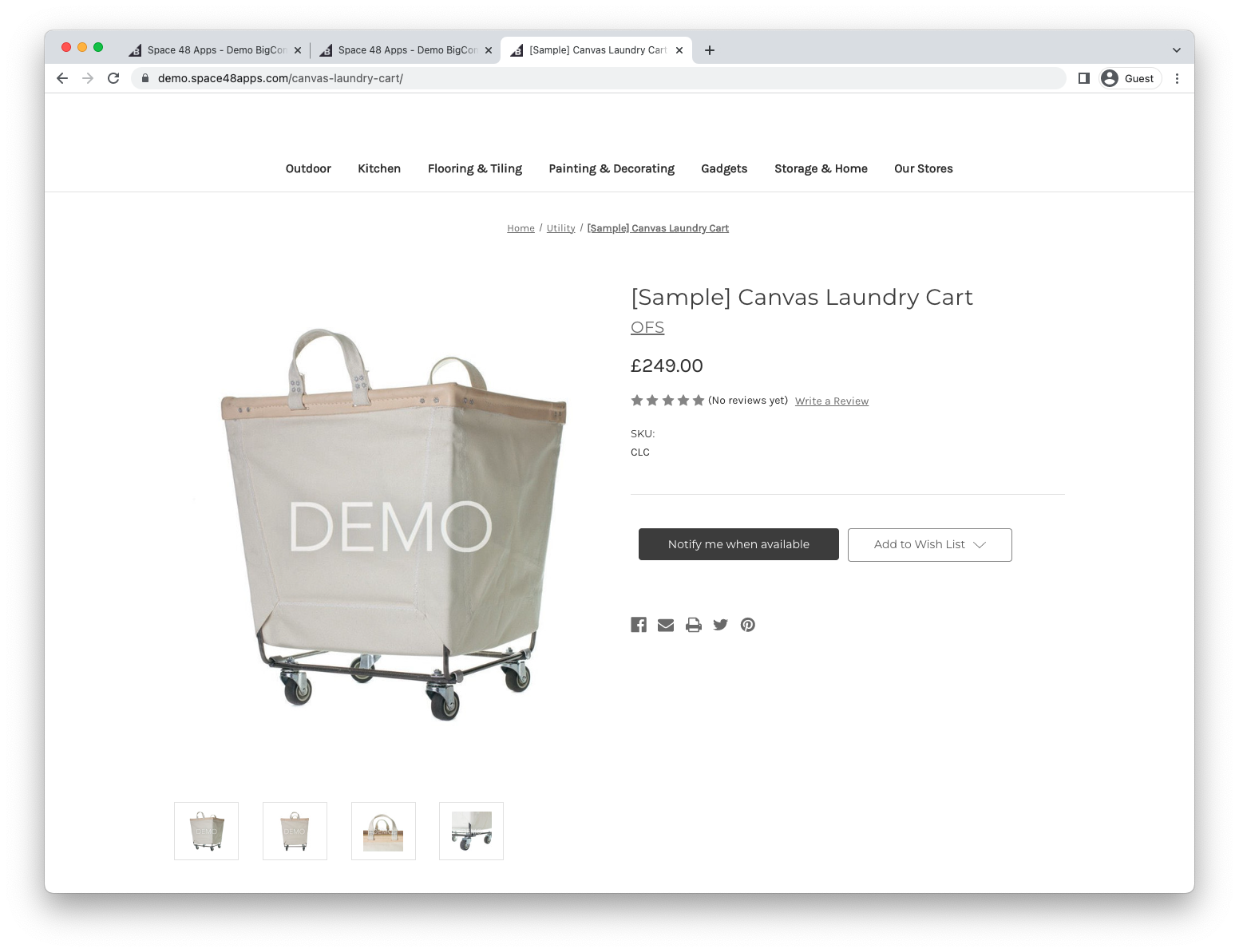
The app also supports sign-ups through Quick View on category pages. You can optionally ask customers for marketing consent and add consenting customers to the BigCommerce newsletter list.
See Designing the sign-up form to configure the storefront experience.
Control notification timing
Choose whether to notify everyone immediately or release alerts gradually. A gradual strategy can reduce disappointment when demand is higher than the stock available.
See Change when notification emails are sent for the available strategies.
Match your brand
The default notification template follows the style of BigCommerce emails. You can change its wording and design, or replace it with your own template.
Continue with the install guide, or follow the quick start after installation.