Multi-storefront support
Back in Stock Alerts supports multiple BigCommerce storefronts without an additional per-storefront charge.
Settings apply globally to every storefront by default. To use different sign-up, notification or email settings for a storefront:
- Open the settings page you want to change.
- Use the channel switcher at the top of the page to select a storefront.
- Update and save the settings for that channel.
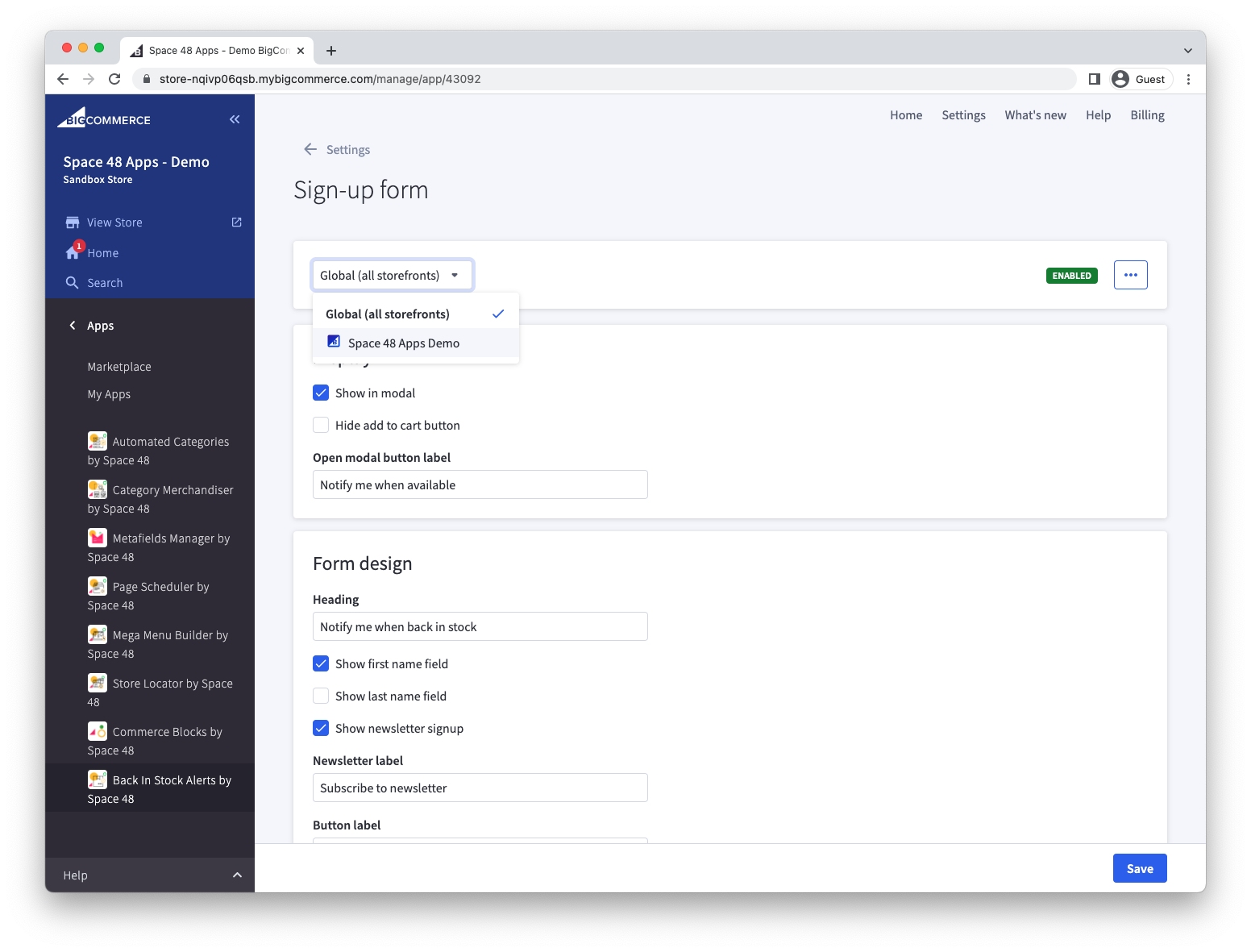
Return to the global channel when you want a setting to apply across all storefronts.