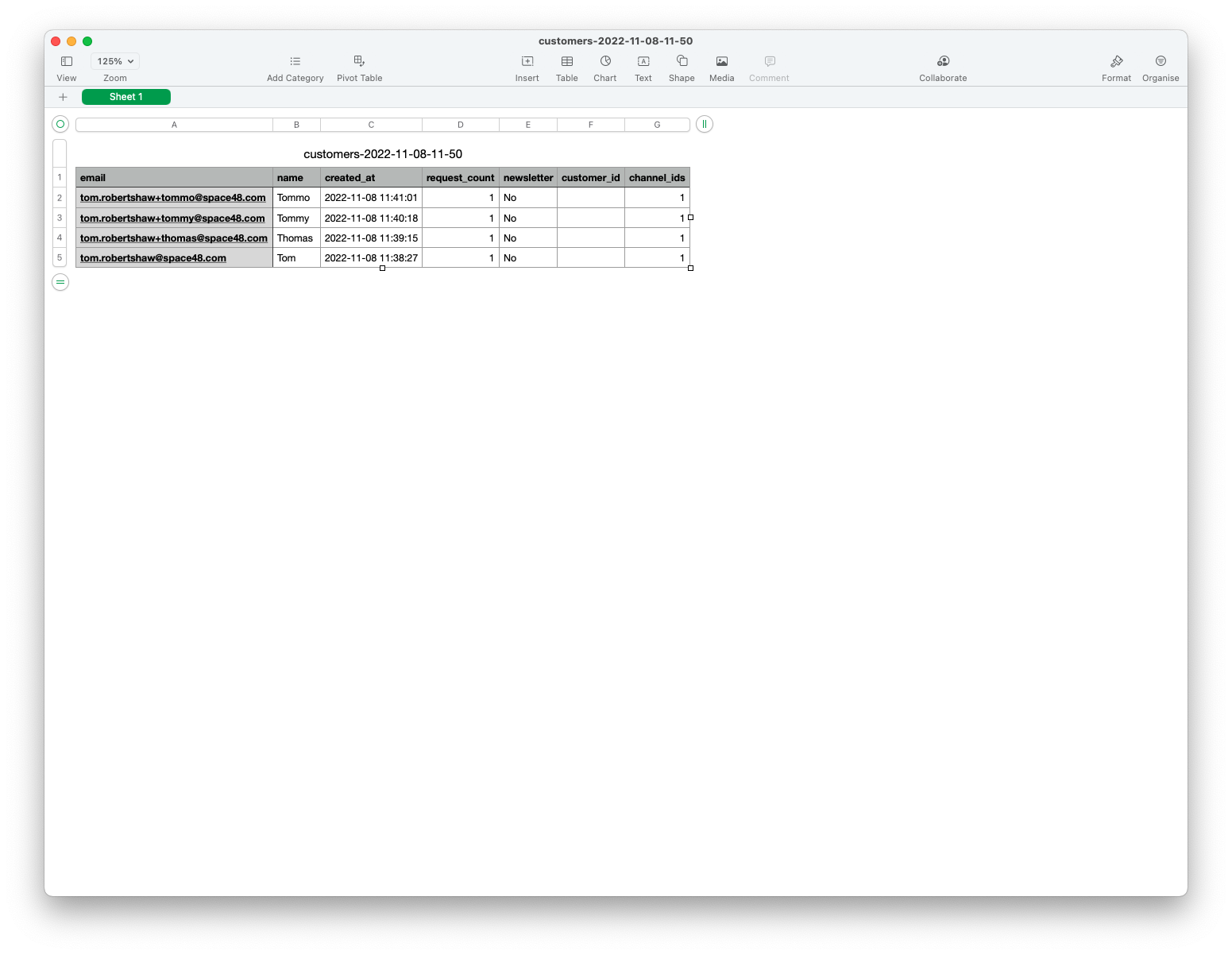
Viewing customers
The customers area groups alert requests by customer so you can understand product interest and export consented subscriber data.
View customers
- On the dashboard, select View all customers.
- Adjust the date filter if needed. By default, the page shows customers who requested at least one alert during the last 30 days.
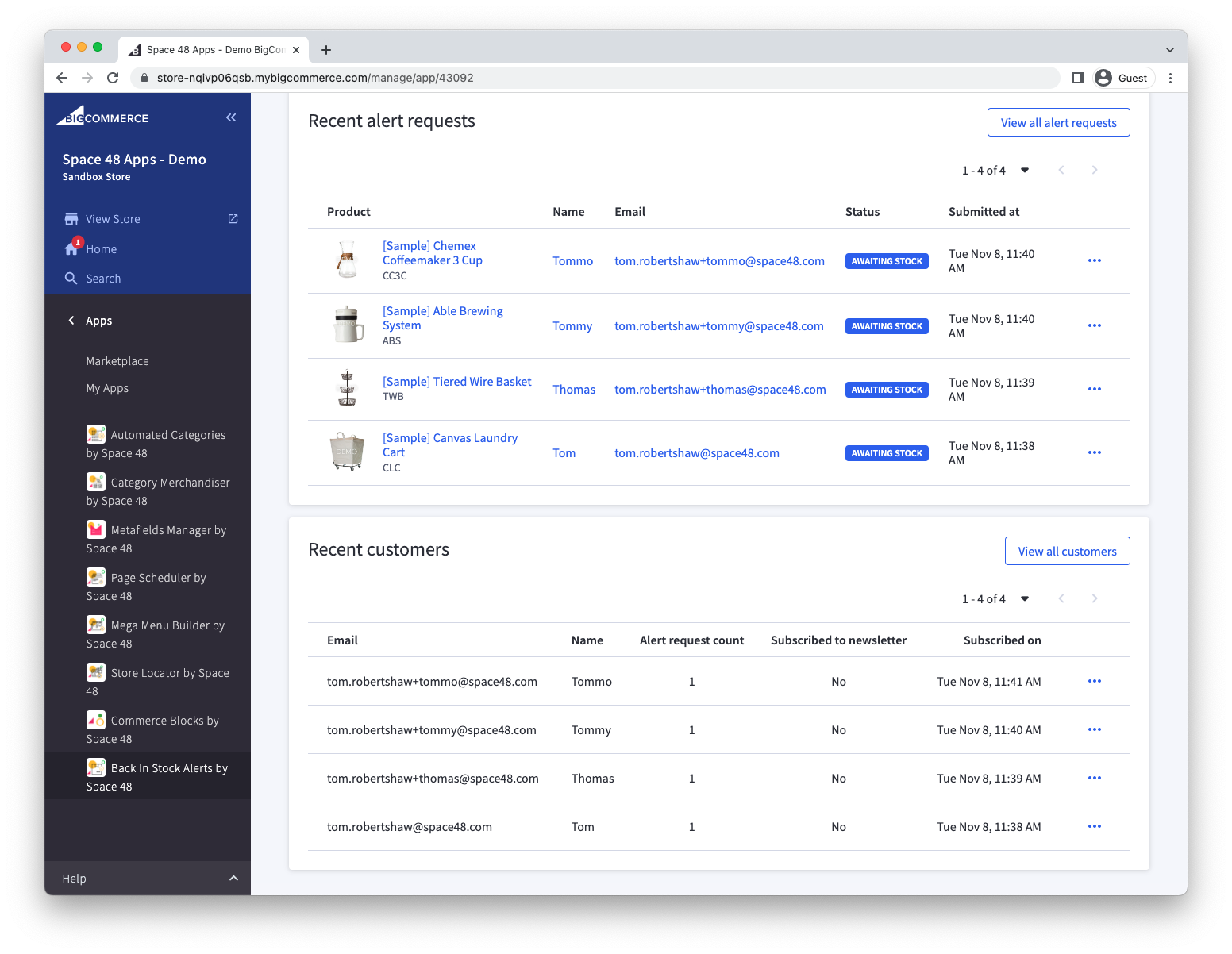
The list indicates whether a customer gave newsletter consent on at least one alert request.
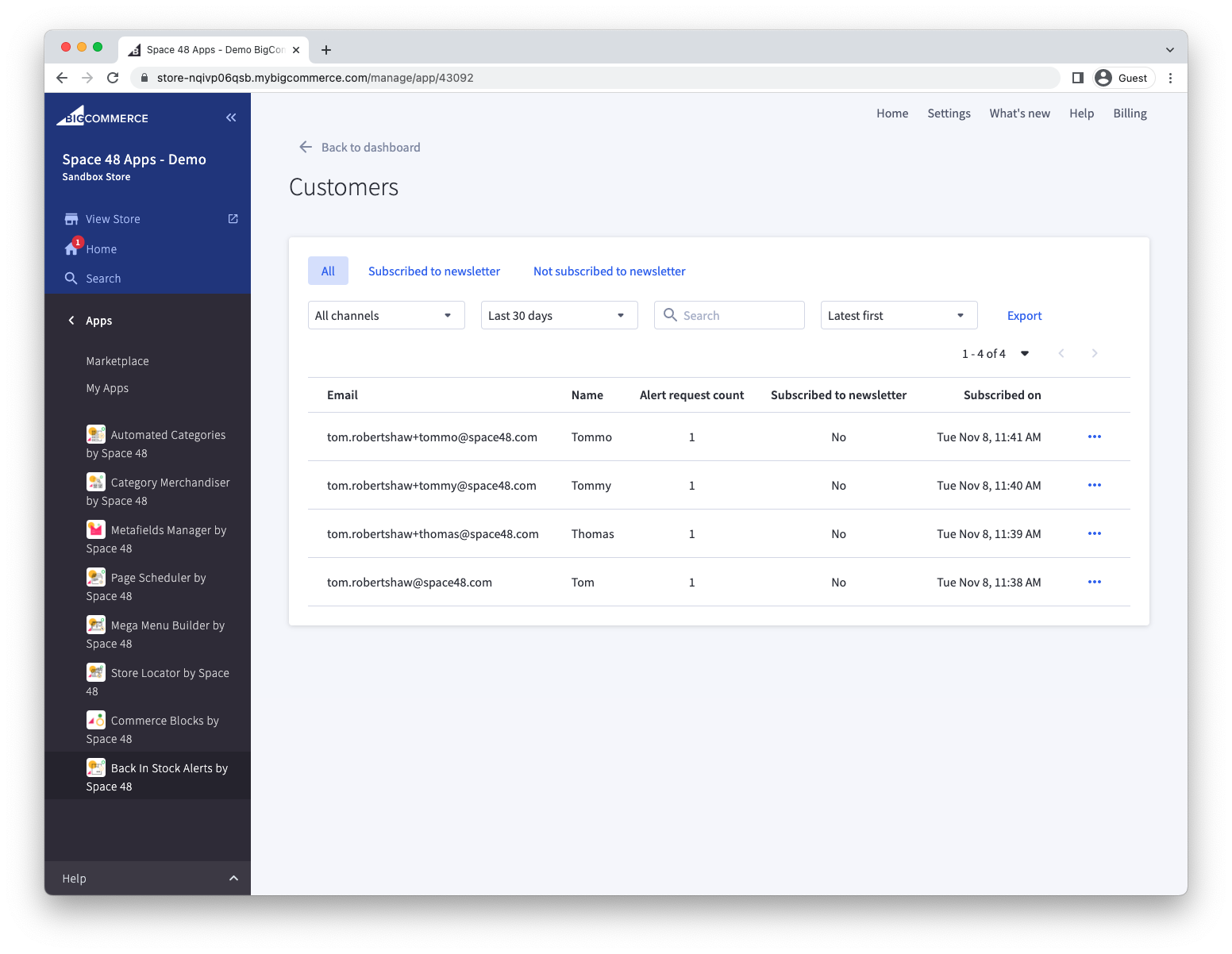
Review a customer
Select a customer to see the products they requested and whether they placed an order.
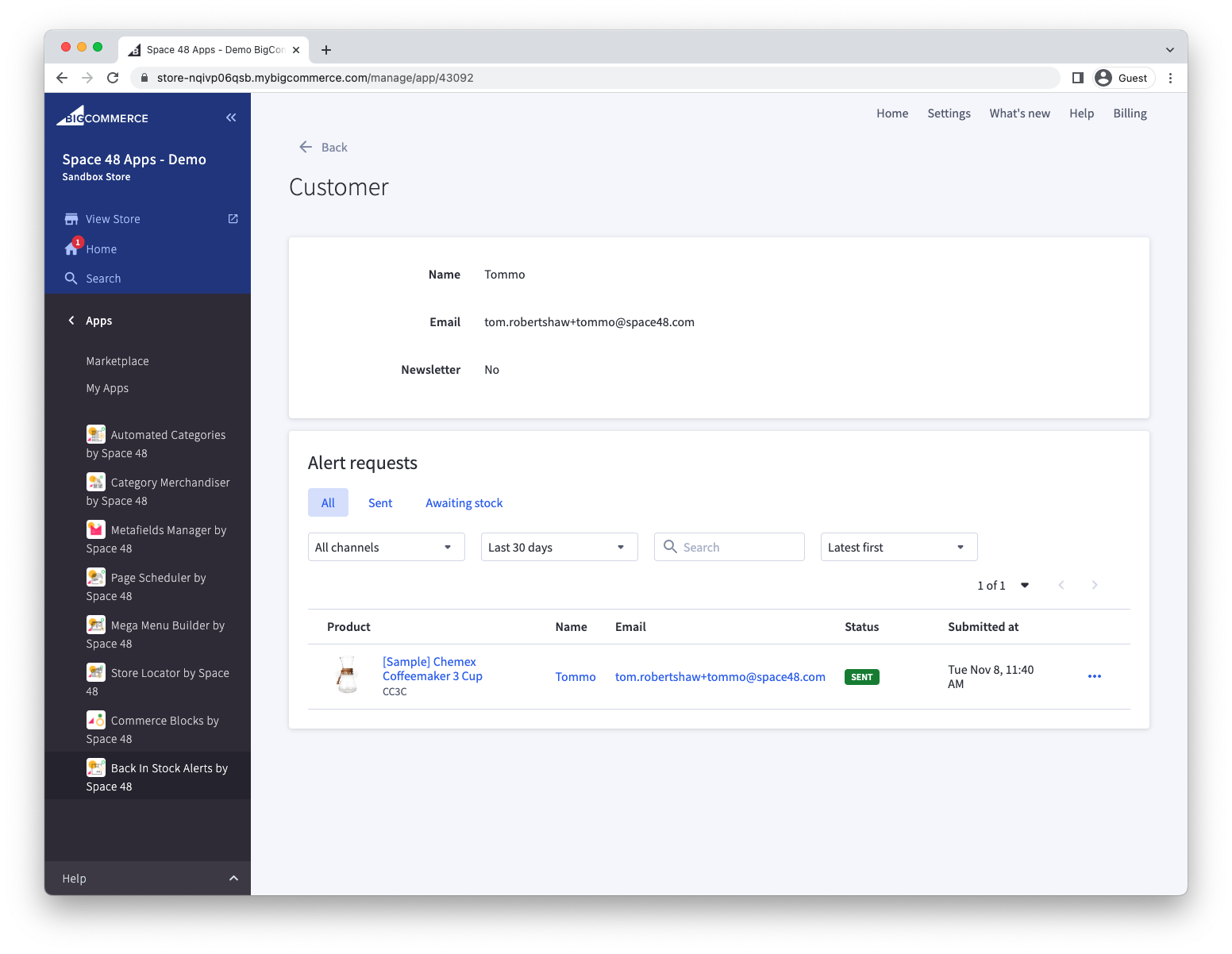
Export customers
Select the export action to download all customers as a CSV file. Before importing the file into an email-marketing platform, include only customers whose newsletter-consent value permits that use.