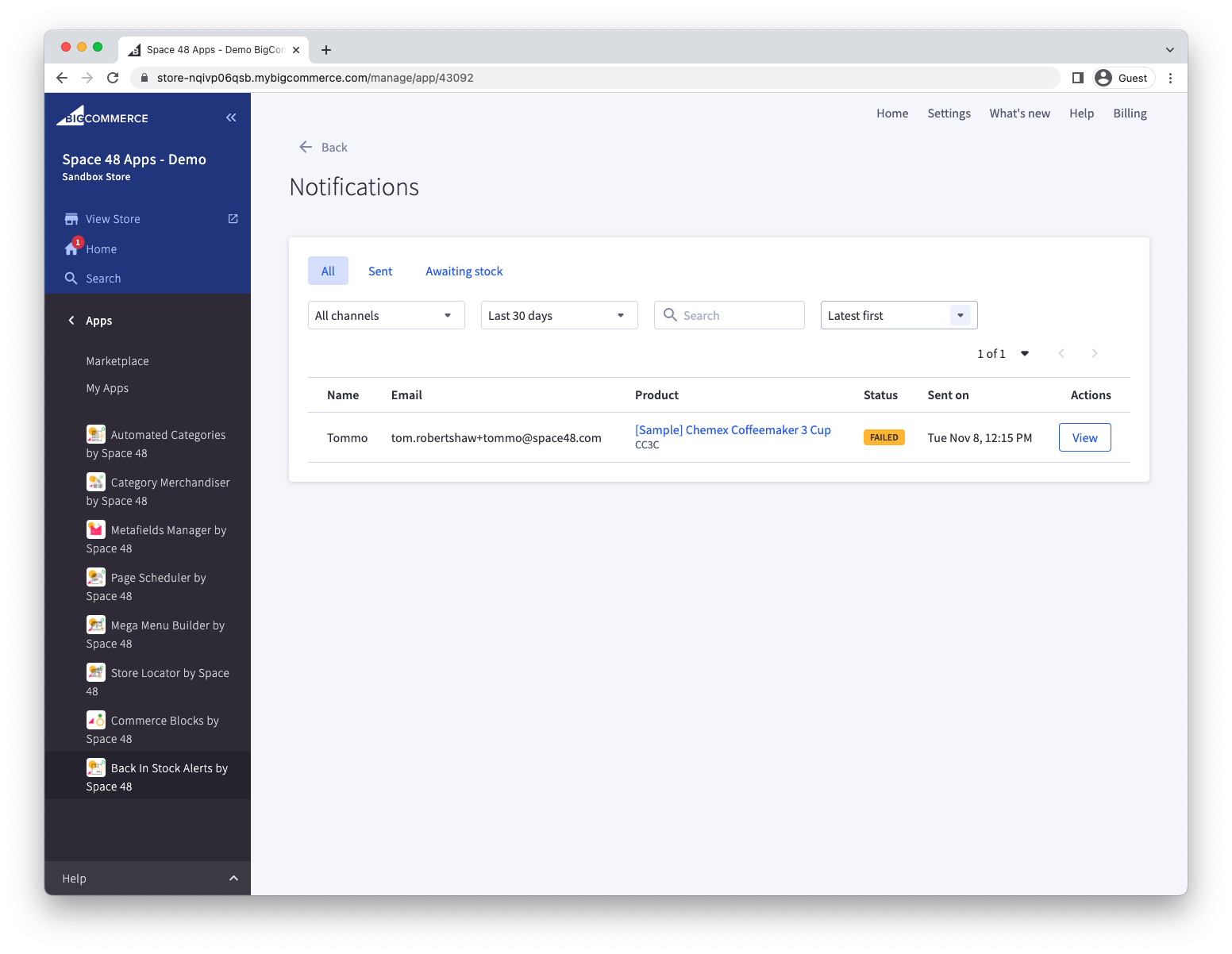
Viewing sent notifications
Back in Stock Alerts records recent notification emails together with their delivery and engagement data.
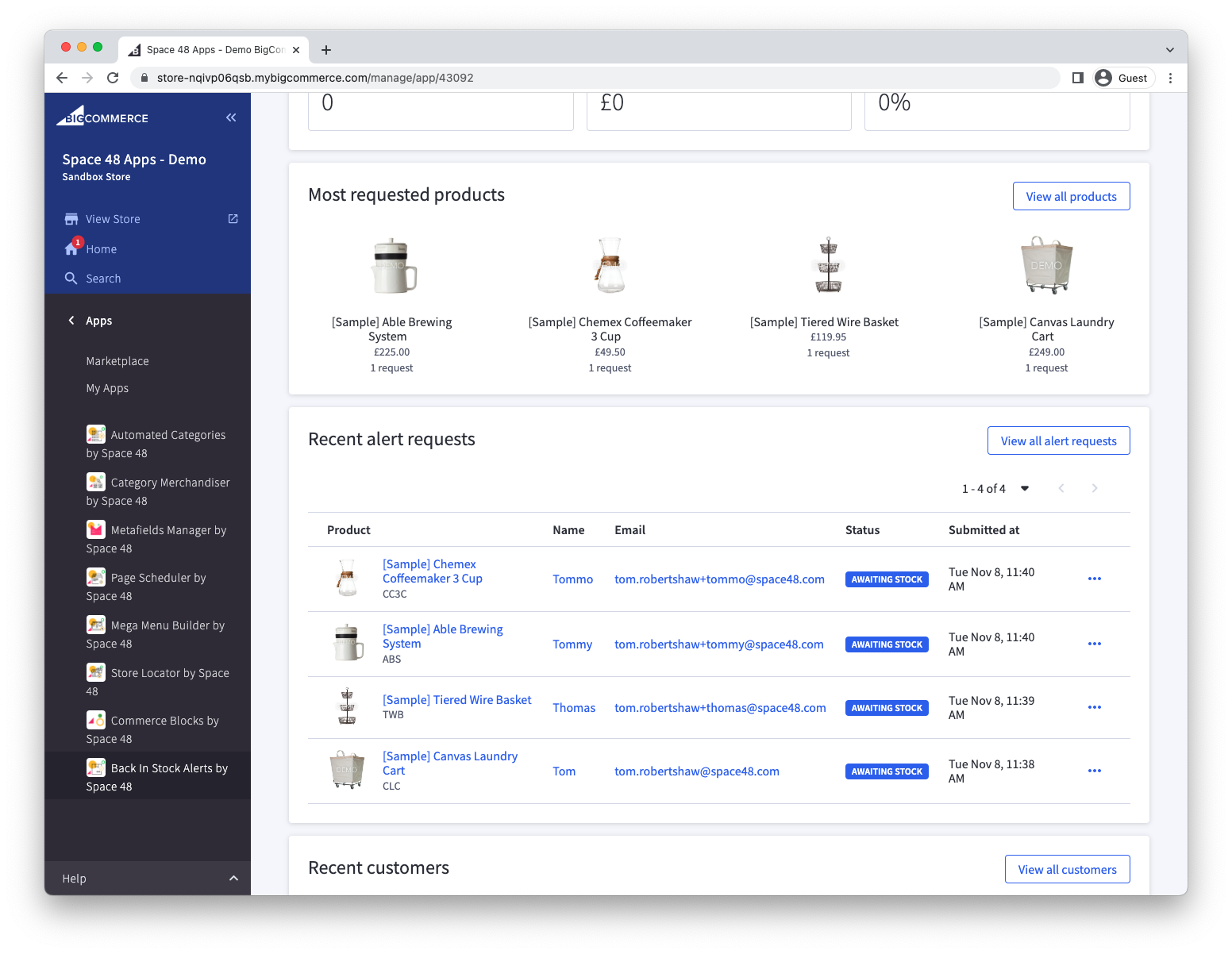
- Open the app and find Alert requests on the dashboard.
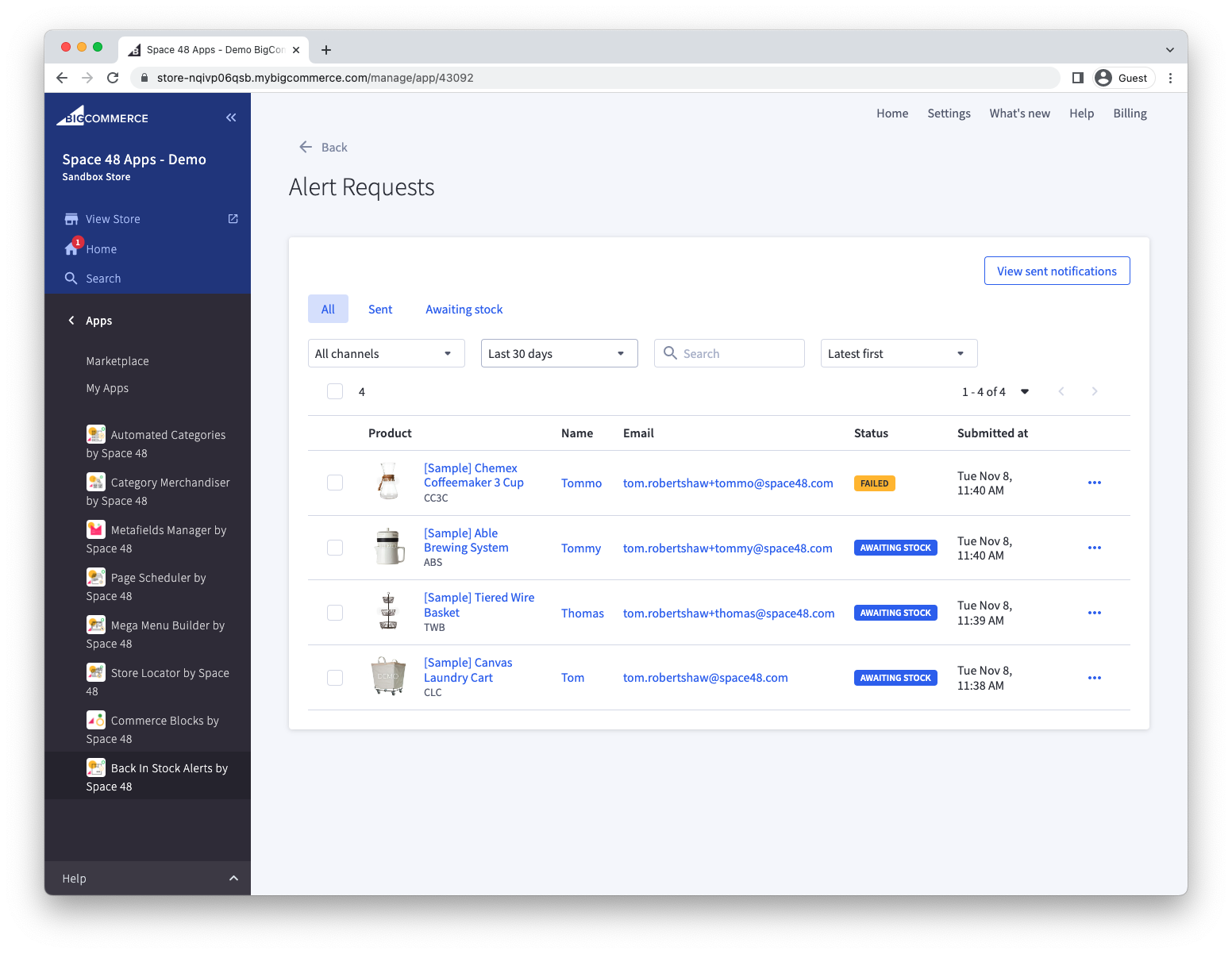
- Select View all alert requests.
- Select View sent notifications.
The notifications list shows delivery status and provides an email preview together with open and click activity.