Viewing requested products
Use requested-product data to prioritise replenishment for products and variants with the most customer demand.
View requested products
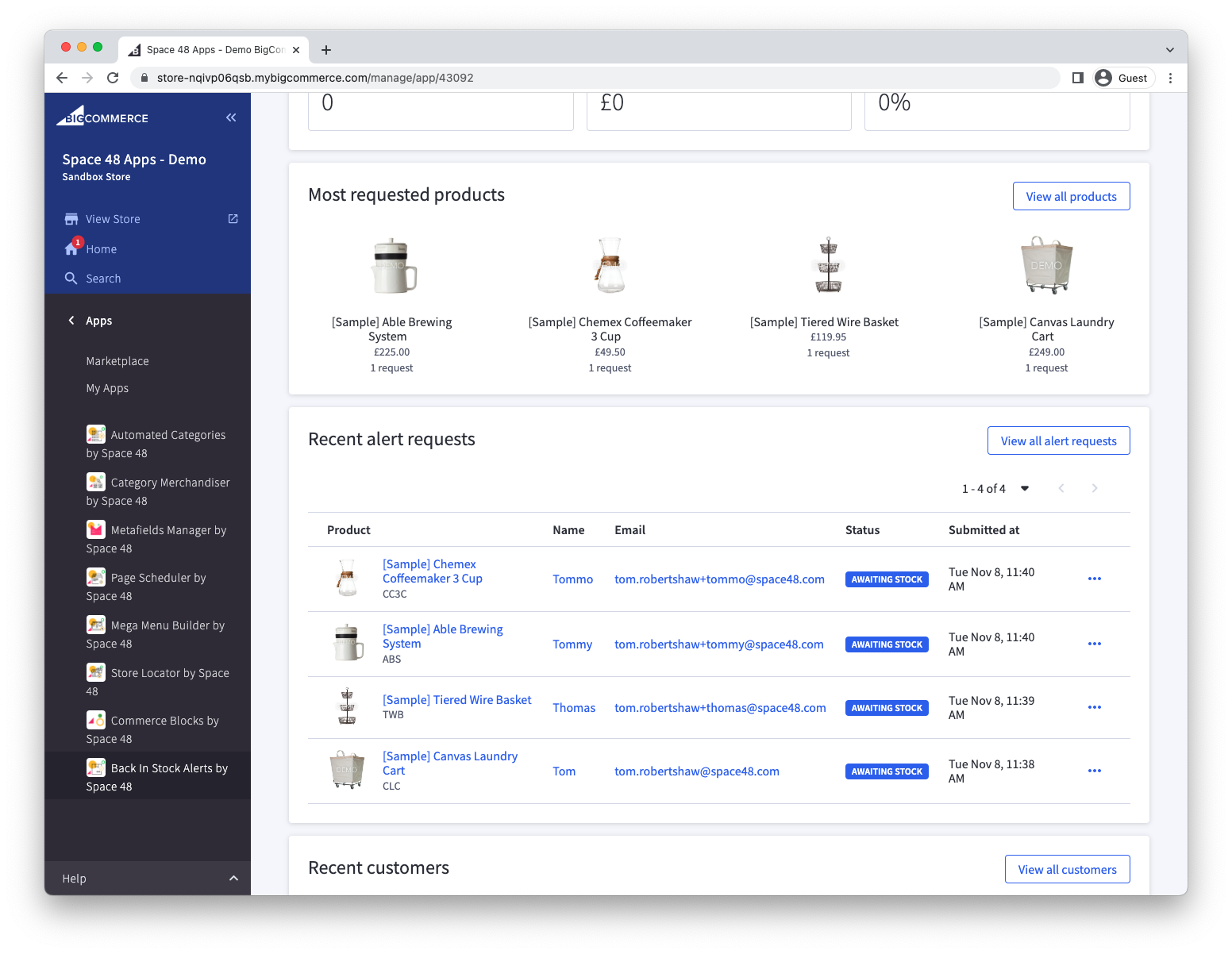
- Open Back in Stock Alerts. The dashboard shows the most requested products across all time.
- Select View all products.
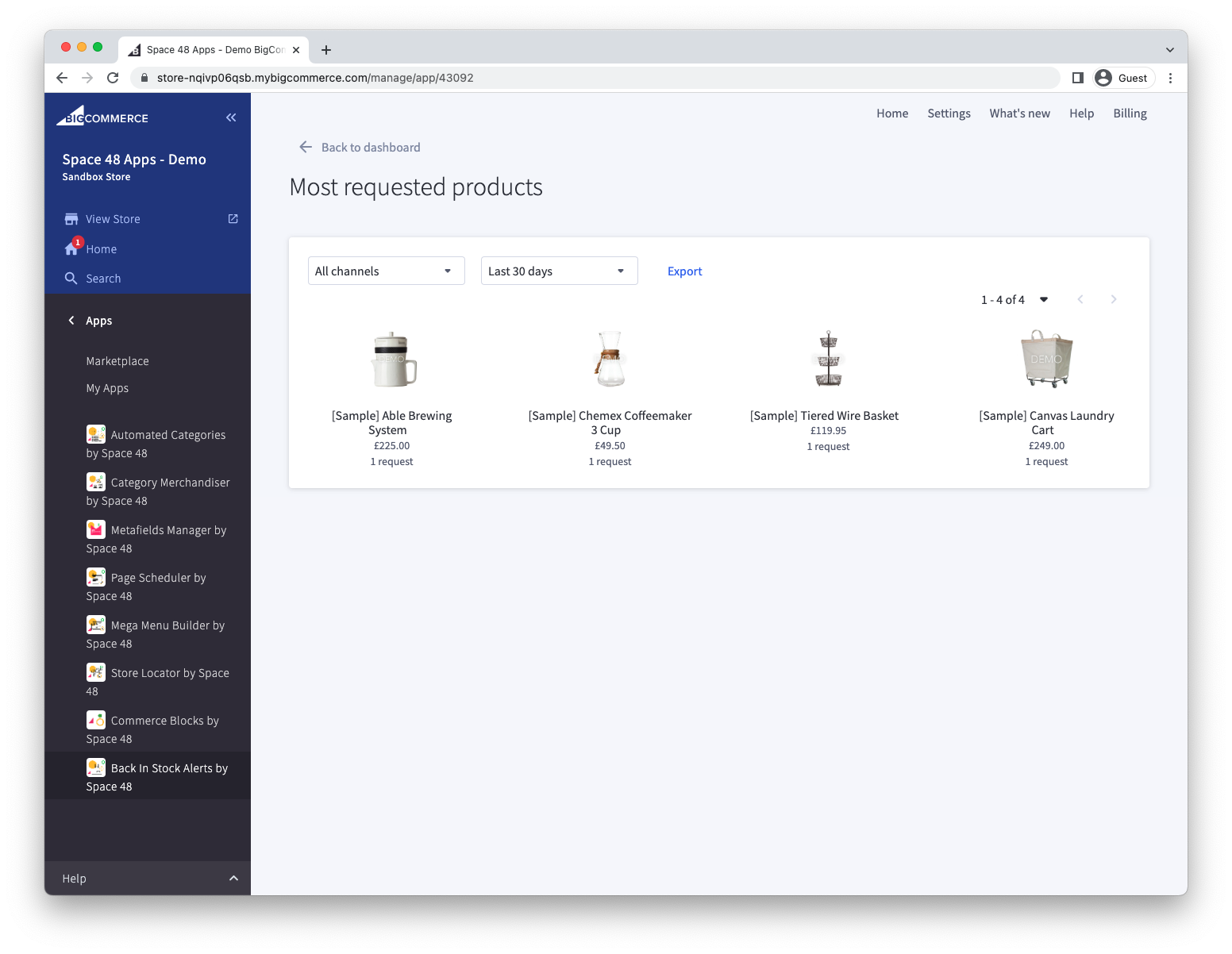
The full list shows the number of alert requests for each product.
Review variant demand
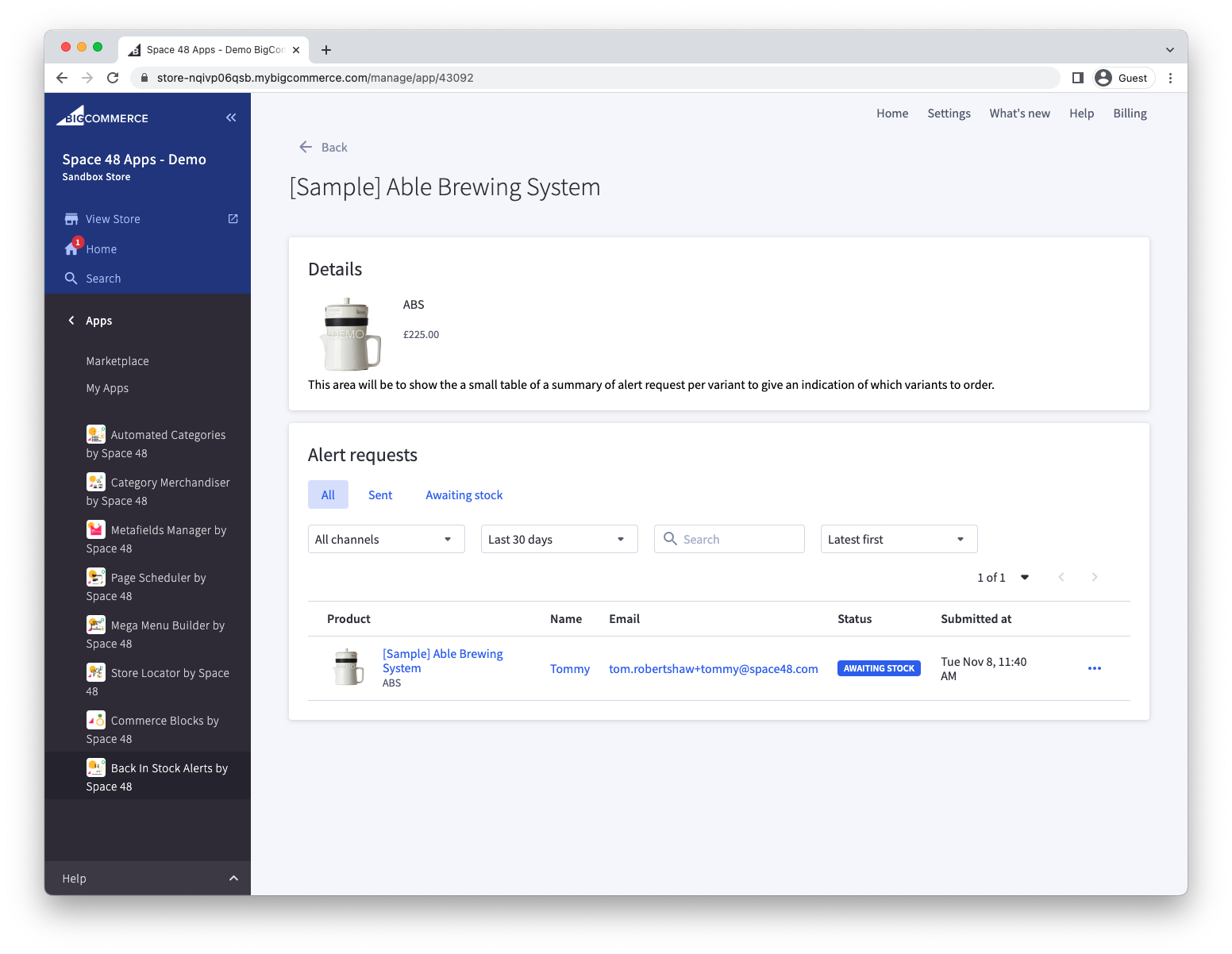
Select a product to see demand for each variant and the customers interested in it.
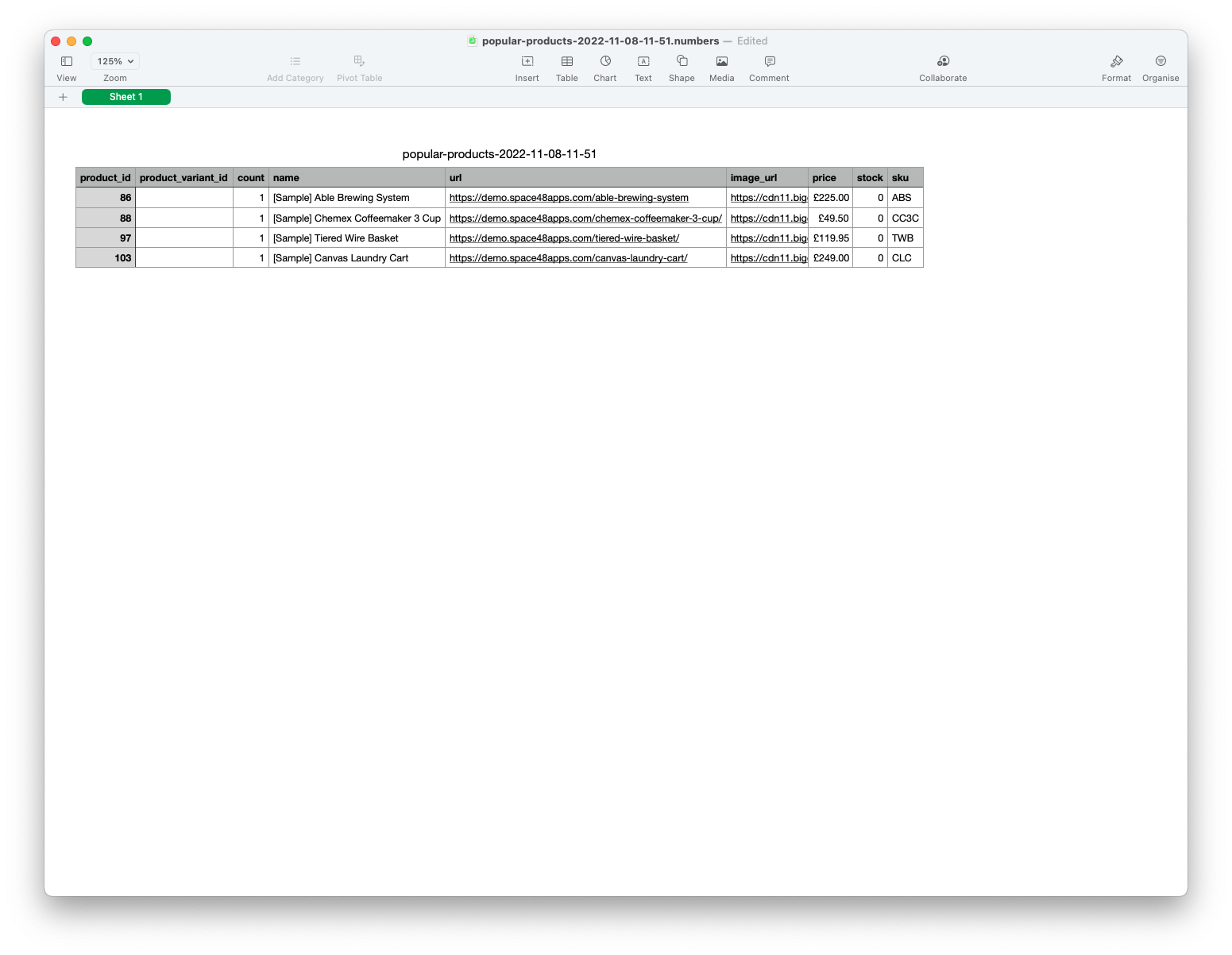
Export requested products
From the requested-products list, select the export action to download the data as a spreadsheet.